Ideas for your next puzzle
Tips and Examples
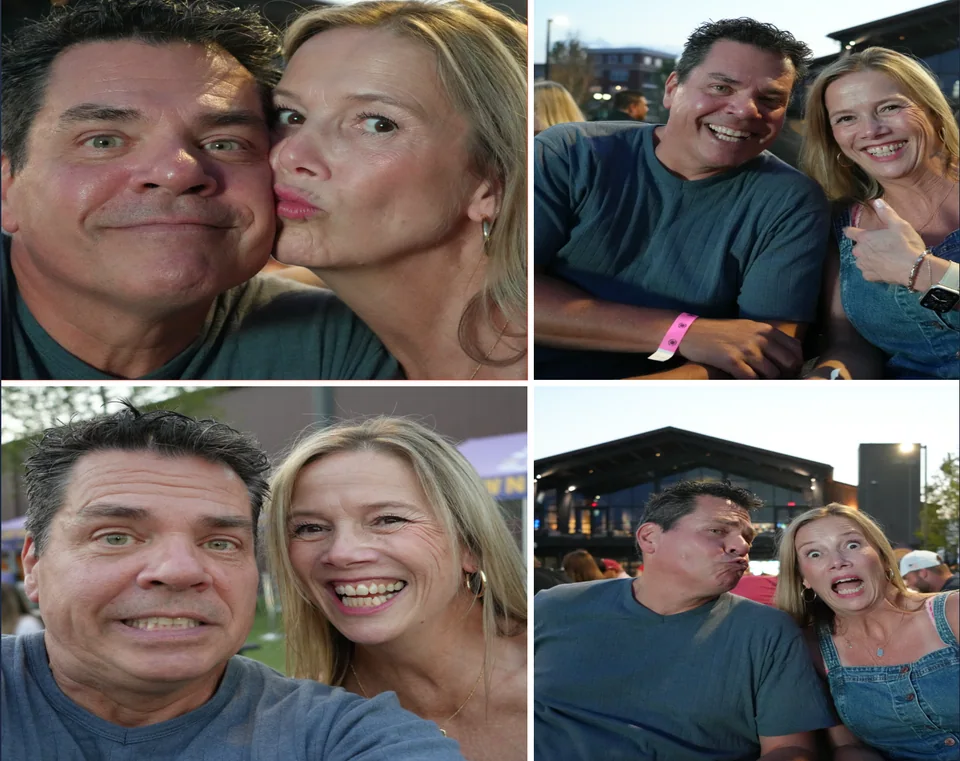
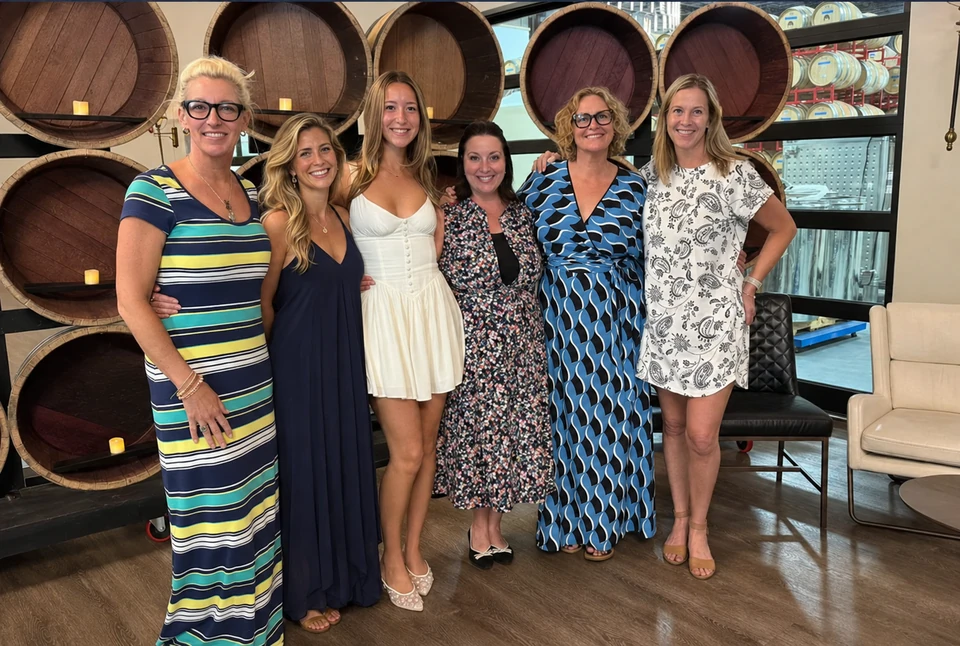
Start with a photo you love. Keep it original, try an artistic finish, or use a specific direction to make it your own.
A good place to start
Tips to make the most of your photo
- Use the highest-resolution original you have. A photo copied from a message or social post may have less detail. Print quality depends on the pixels, puzzle size and crop.
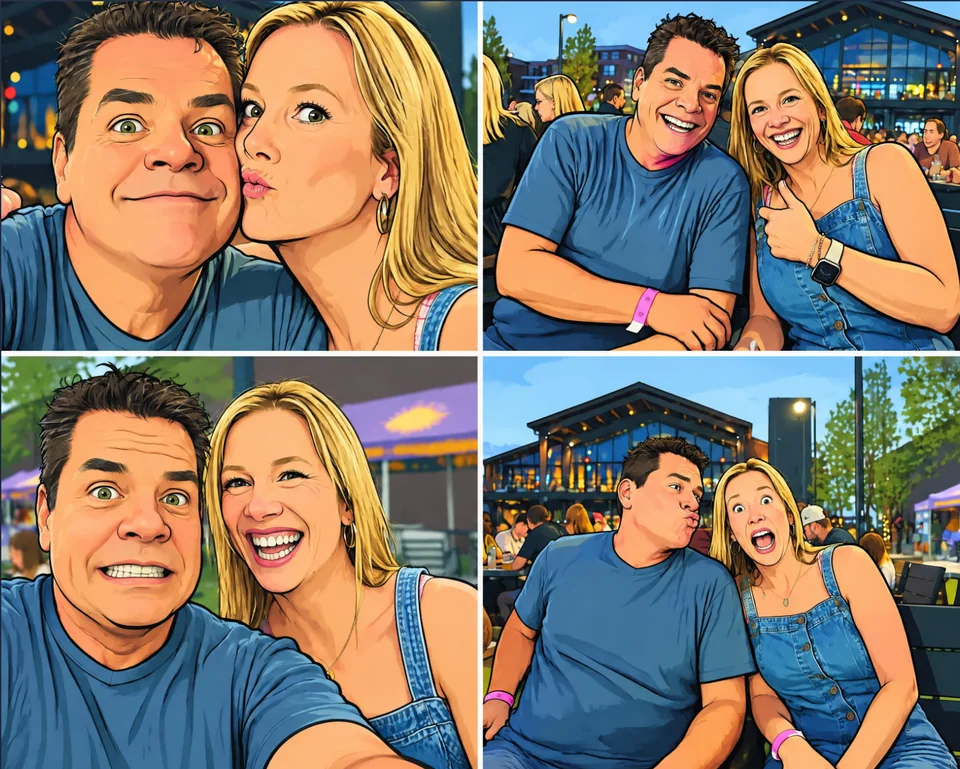
- Keep your original and compare the details. AI versions are saved separately. Return to the original when trying another style, and check faces, hands, text and small details before saving or ordering.
- Turn off Puzzle guide for a clearer view. The piece outlines are a preview guide and are not printed over your artwork.
- Printability. If your artwork says too small to print before the design phase, this might change after you apply a theme or provide AI instructions.
- Just be patient. If you have a lot of photos in My designs, it might take a minute to render all images, especially on a slower machine. Deleting old designs can help speed things up.
Small changes, clear directions
Tell us what you want to change
Choose No theme and describe a specific edit, or pick a Theme idea to fill in a starting direction. You can edit that direction before creating. AI results vary and can change details you wanted to keep.
| What you want to change | A direction to try |
|---|---|
| An unwanted person in the background | Remove the person standing behind us; keep the main subjects unchanged. |
| A dull sky | Make the sky a brighter blue while keeping the people and scenery unchanged. |
| A distracting background | Soften the background while keeping the main subjects sharp. |
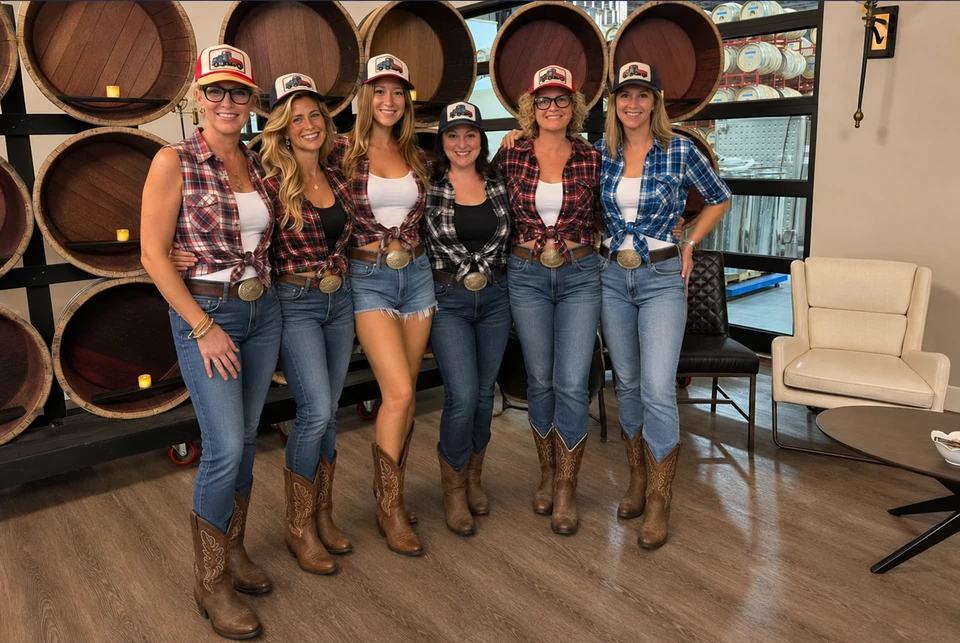
| A different outfit | Give us coordinated casual outfits while preserving our faces and poses. |
| An unwanted object | Remove the bottle on the table and preserve the rest of the scene. |
| We appear too close | Back subjects up 2 feet |
Explore a different feeling
Theme examples
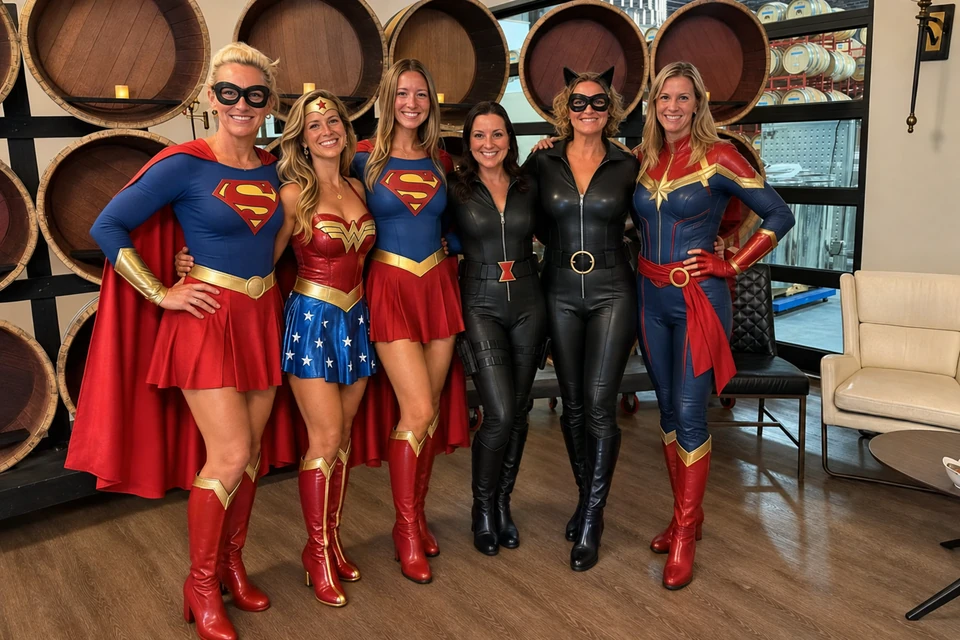
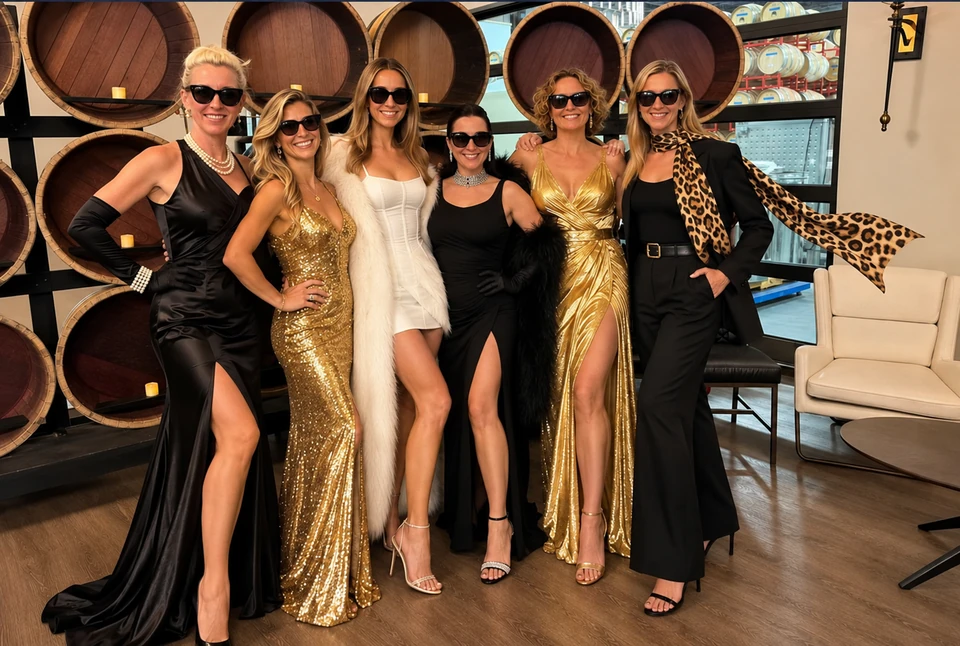
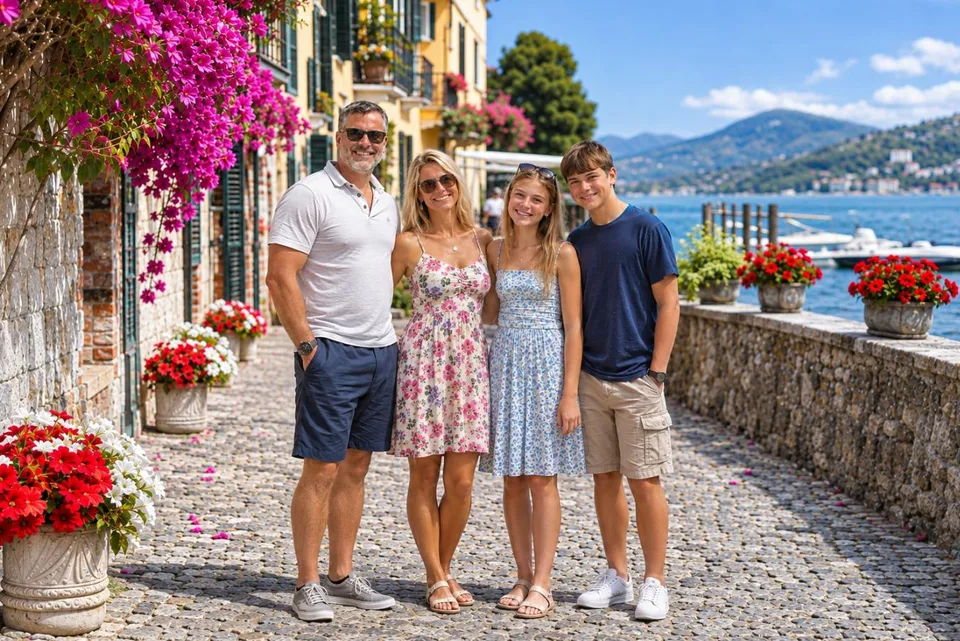
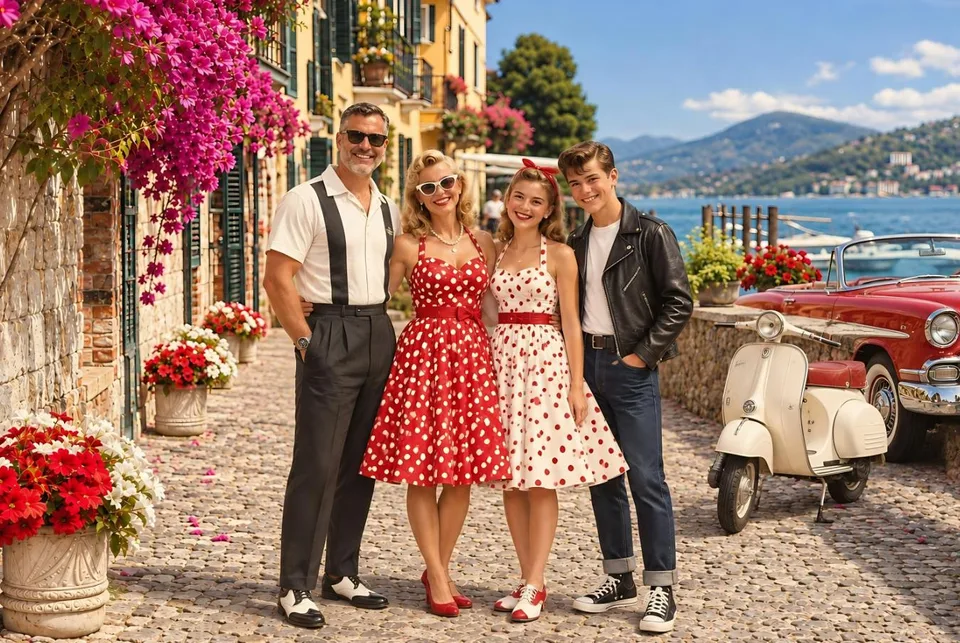
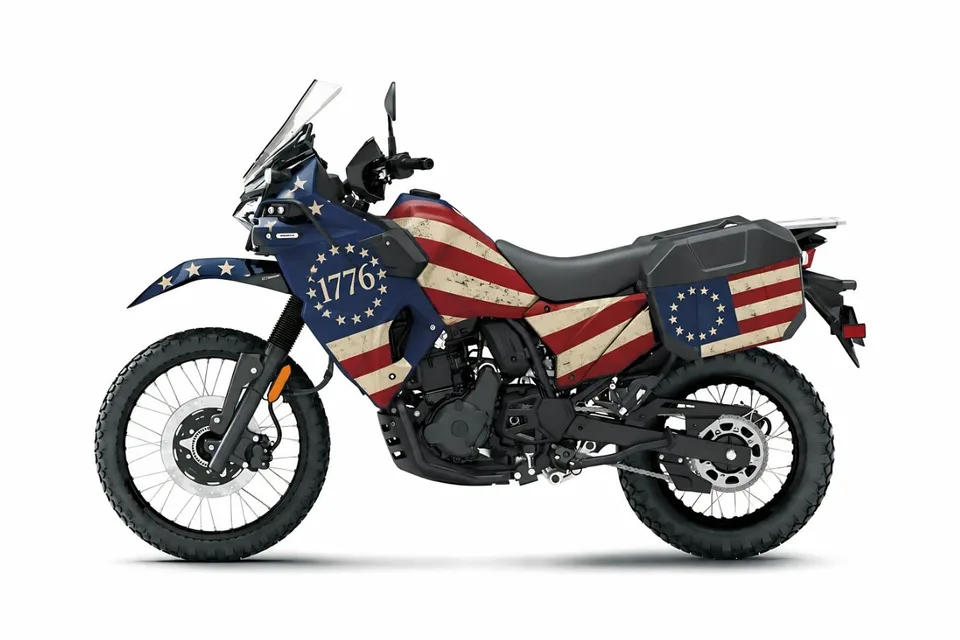
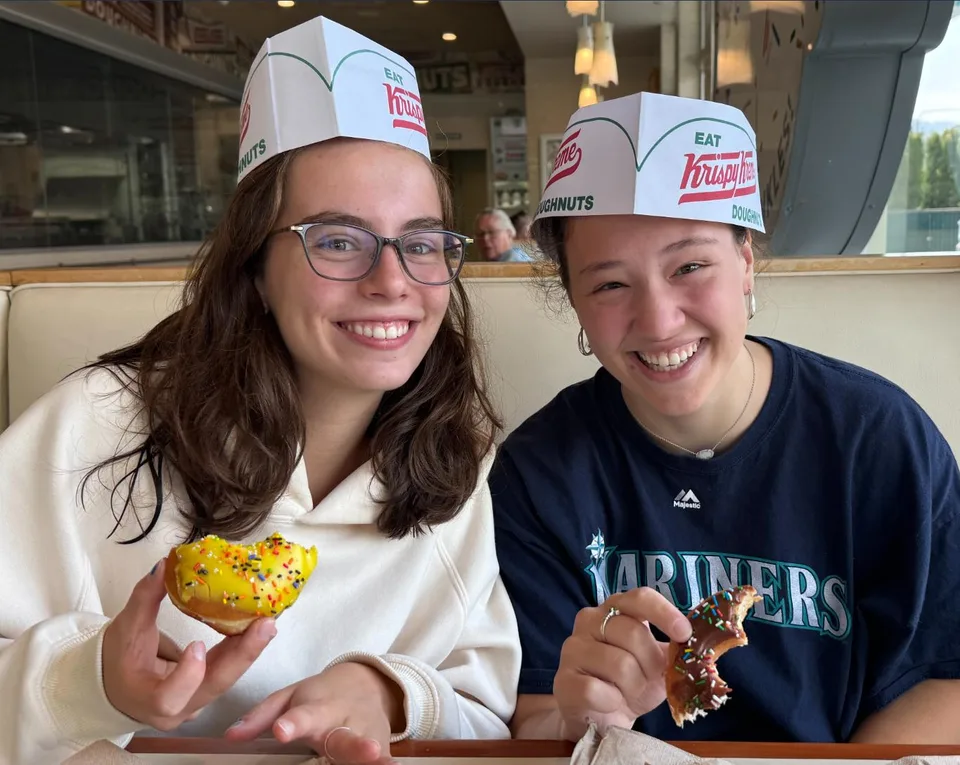
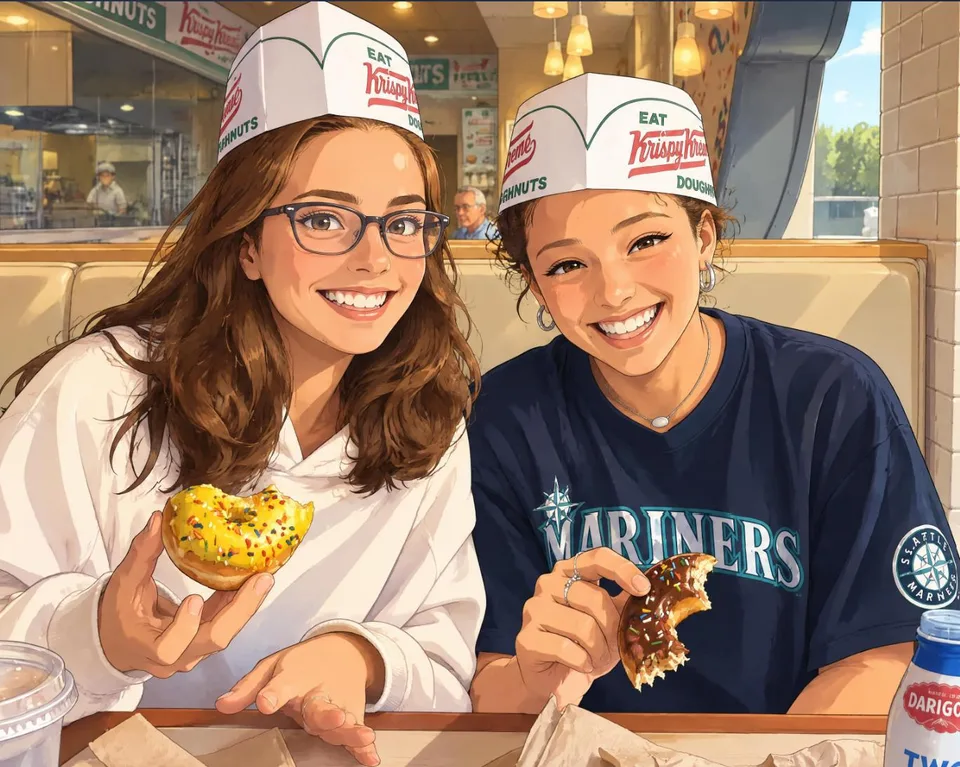
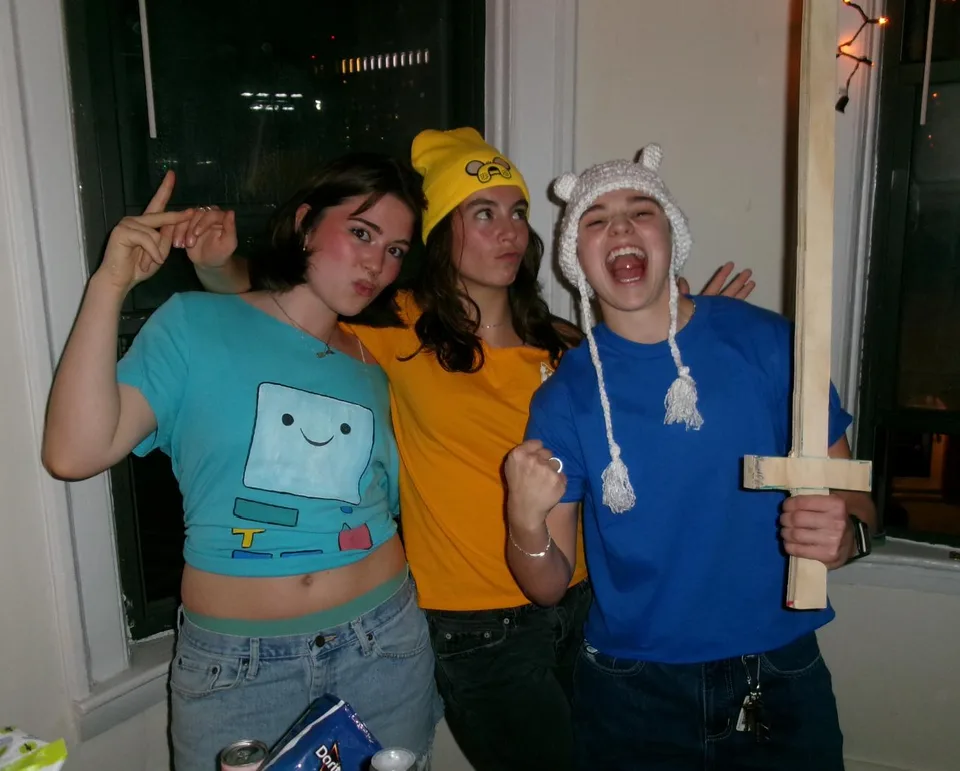
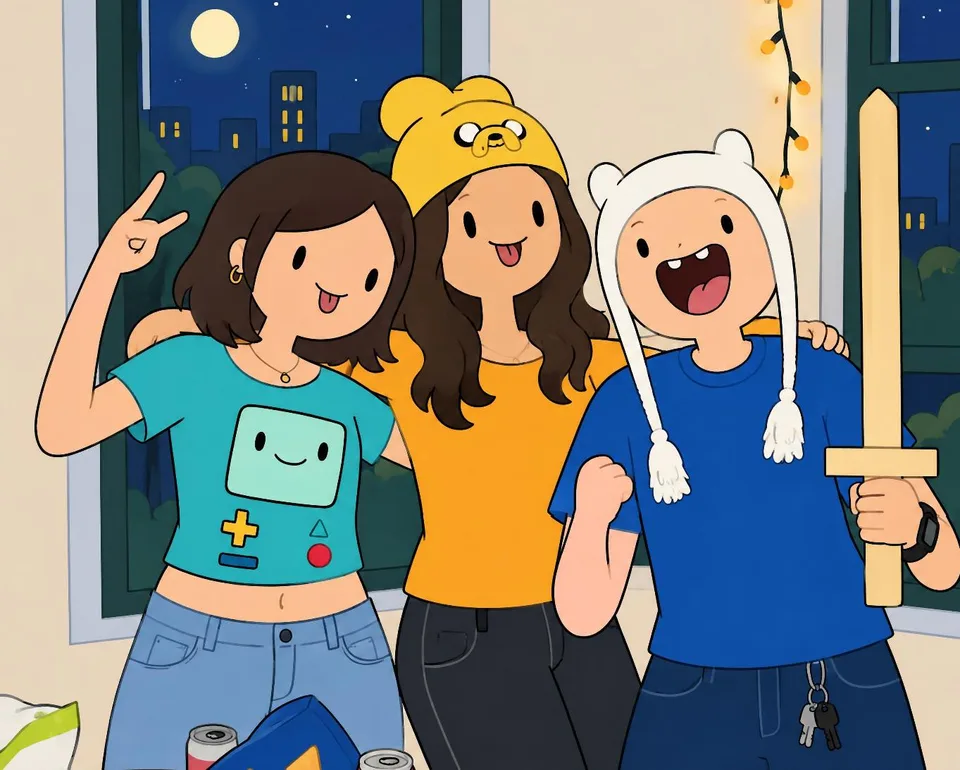
Each example shows one possible artistic interpretation. Your result will depend on your photo and directions; compare it with the original before choosing your finished artwork.
Some examples use custom directions. If an idea isn’t in the Theme ideas menu, choose No theme and describe the change.
Toy
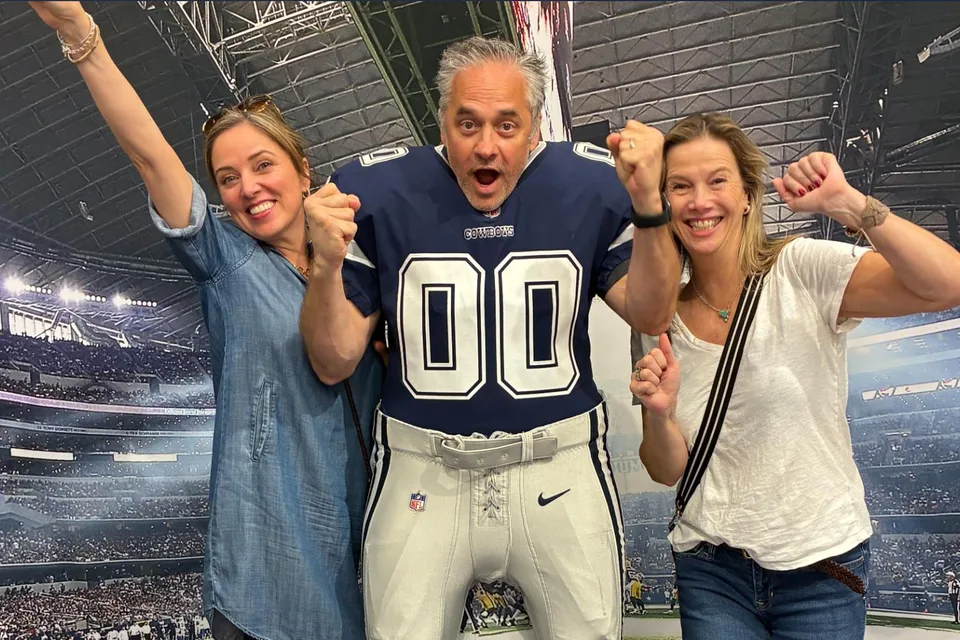
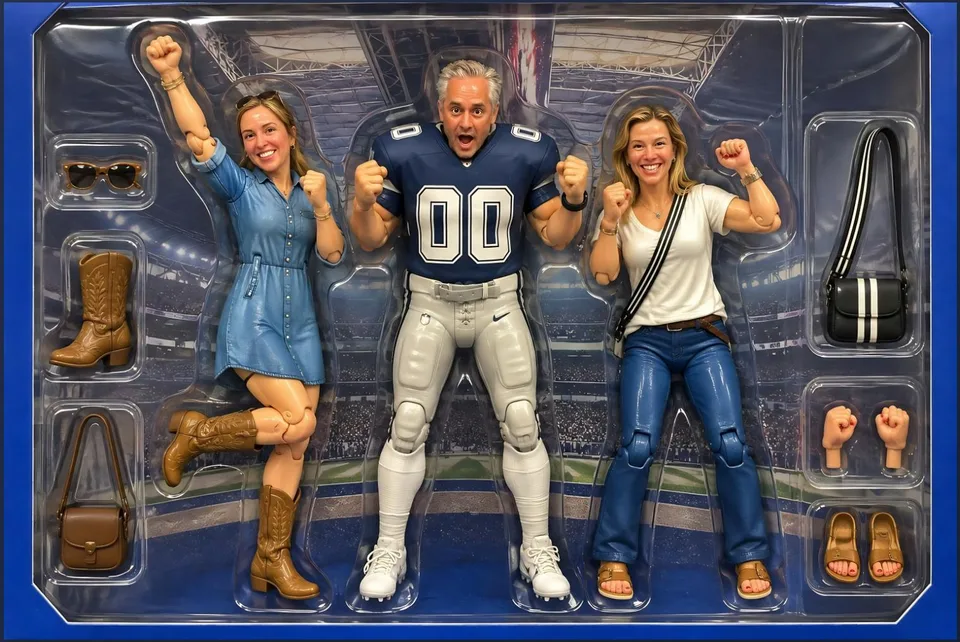
One photo, three directions
1950s
65 Million BC
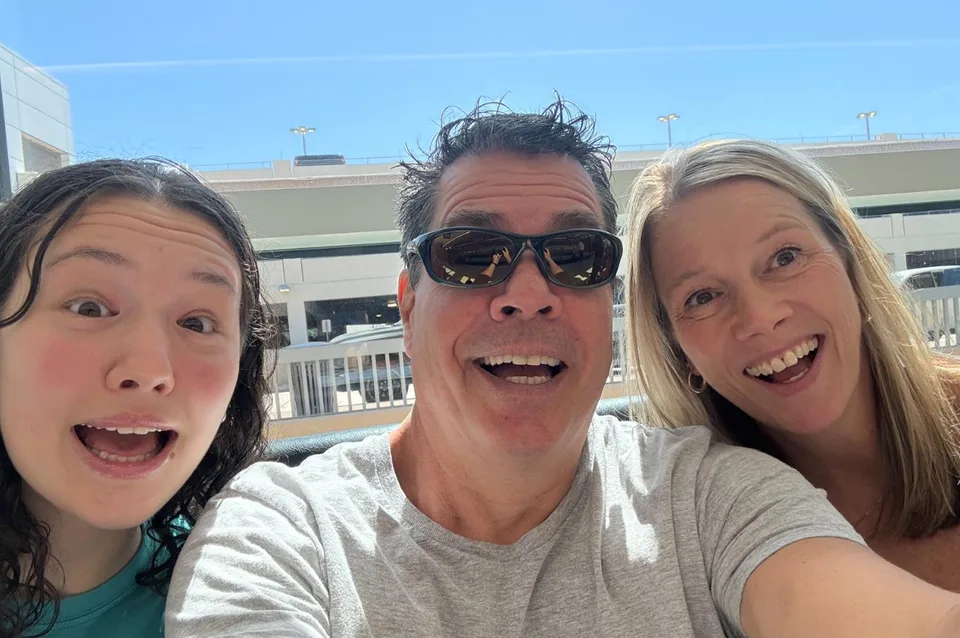
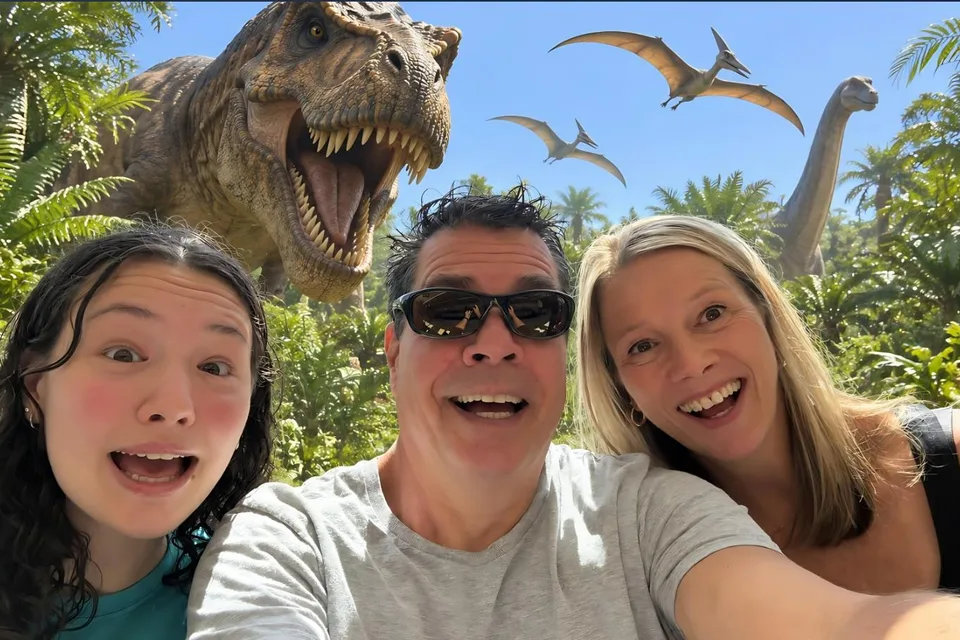
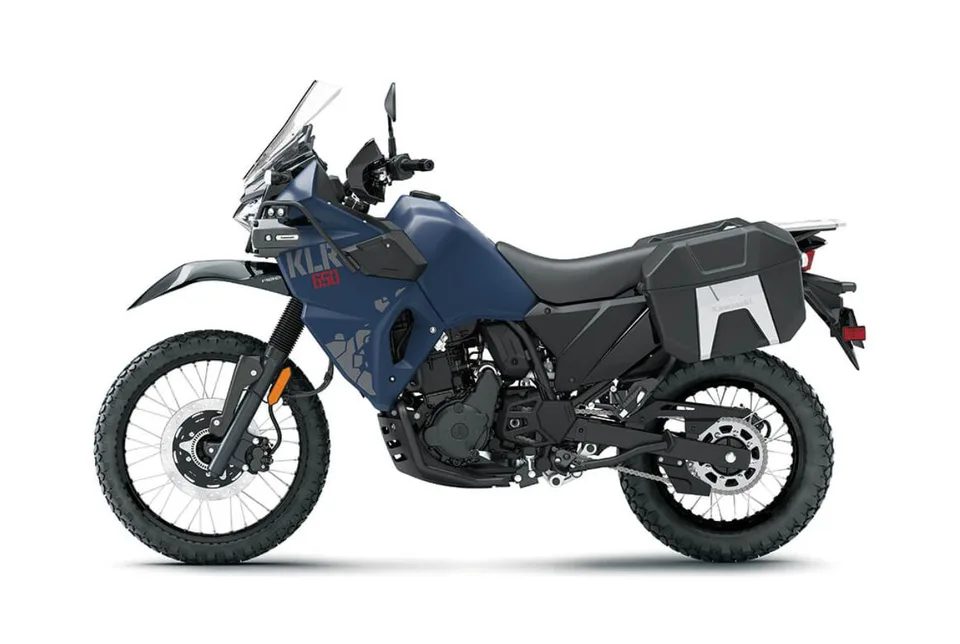
1776
Anime
Adventure Time
Collage